Passkeys
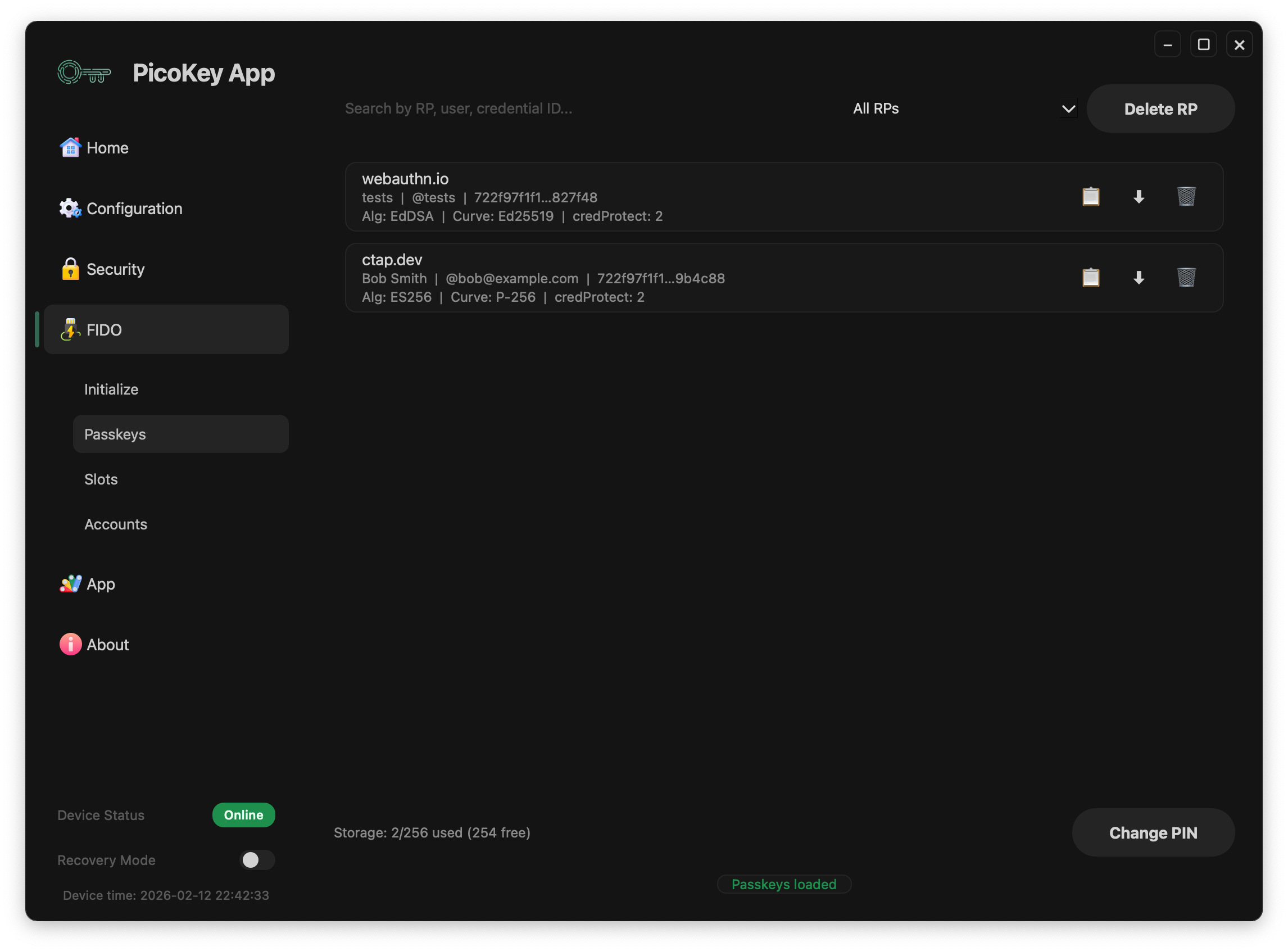
This page describes the Passkeys panel in PicoKey App FIDO management.
Overview
The Passkeys panel lists resident FIDO credentials stored on the device and their metadata.
- Credential source and relying party information
- Username / user handle when available
- Per-credential management actions
Per-credential actions
Each credential row has these actions:
- Copy Credential ID
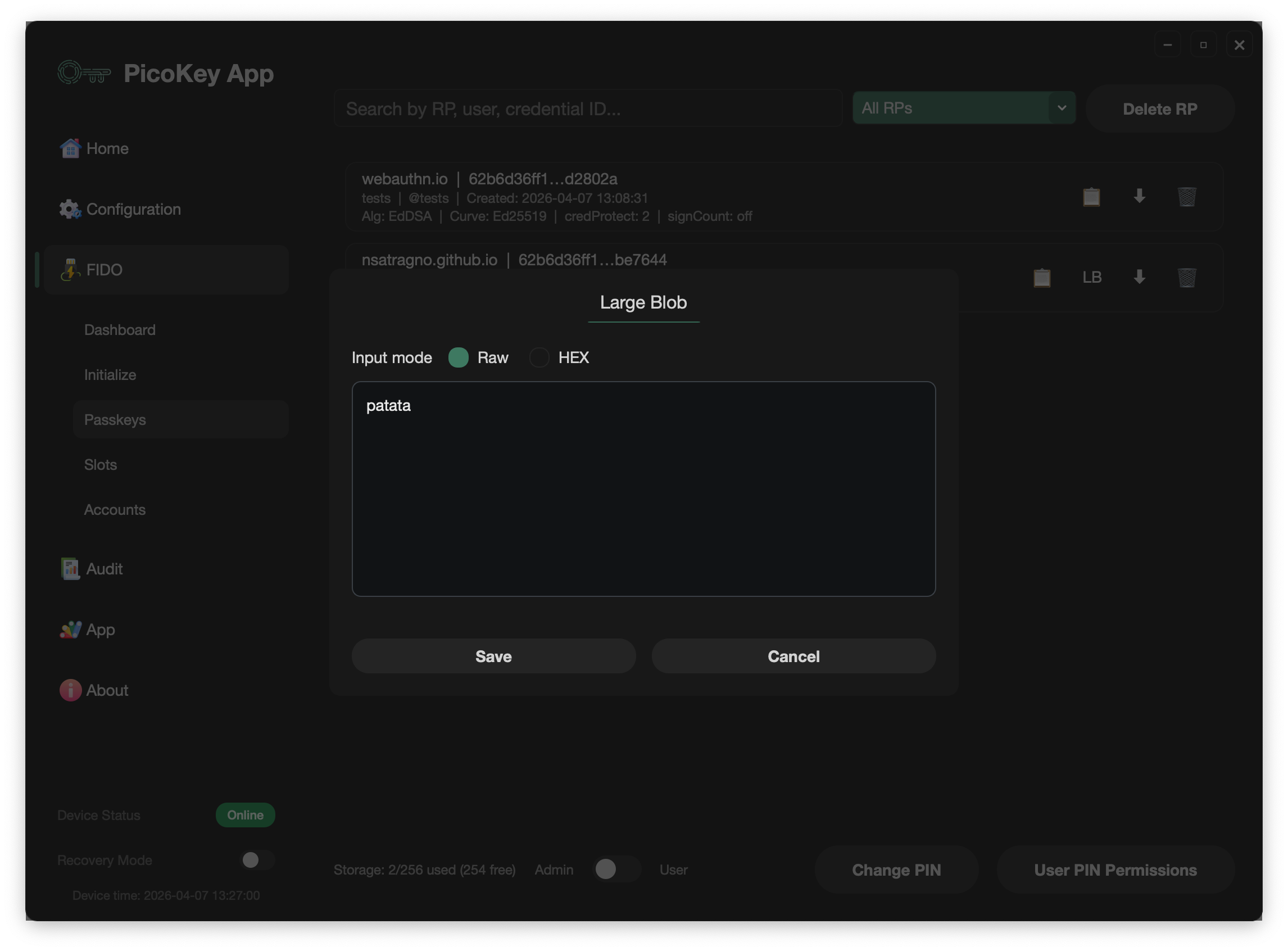
- Large Blob: manage the credential’s Large Blob when it has one
- Credential lifecycle (gear): set or change an expiration date, or revoke the credential
- Download Credential Metadata (
JSONorCSV) - Export Credential: export the credential to Vault when an enrolled Vault is available
- Delete Credential
Credential metadata downloads contain administrative fields such as the RP, user information, and credential ID. They are separate from Export Credential, which creates an opaque Vault package. Revoked credentials cannot be changed.
Individual credential lifecycle
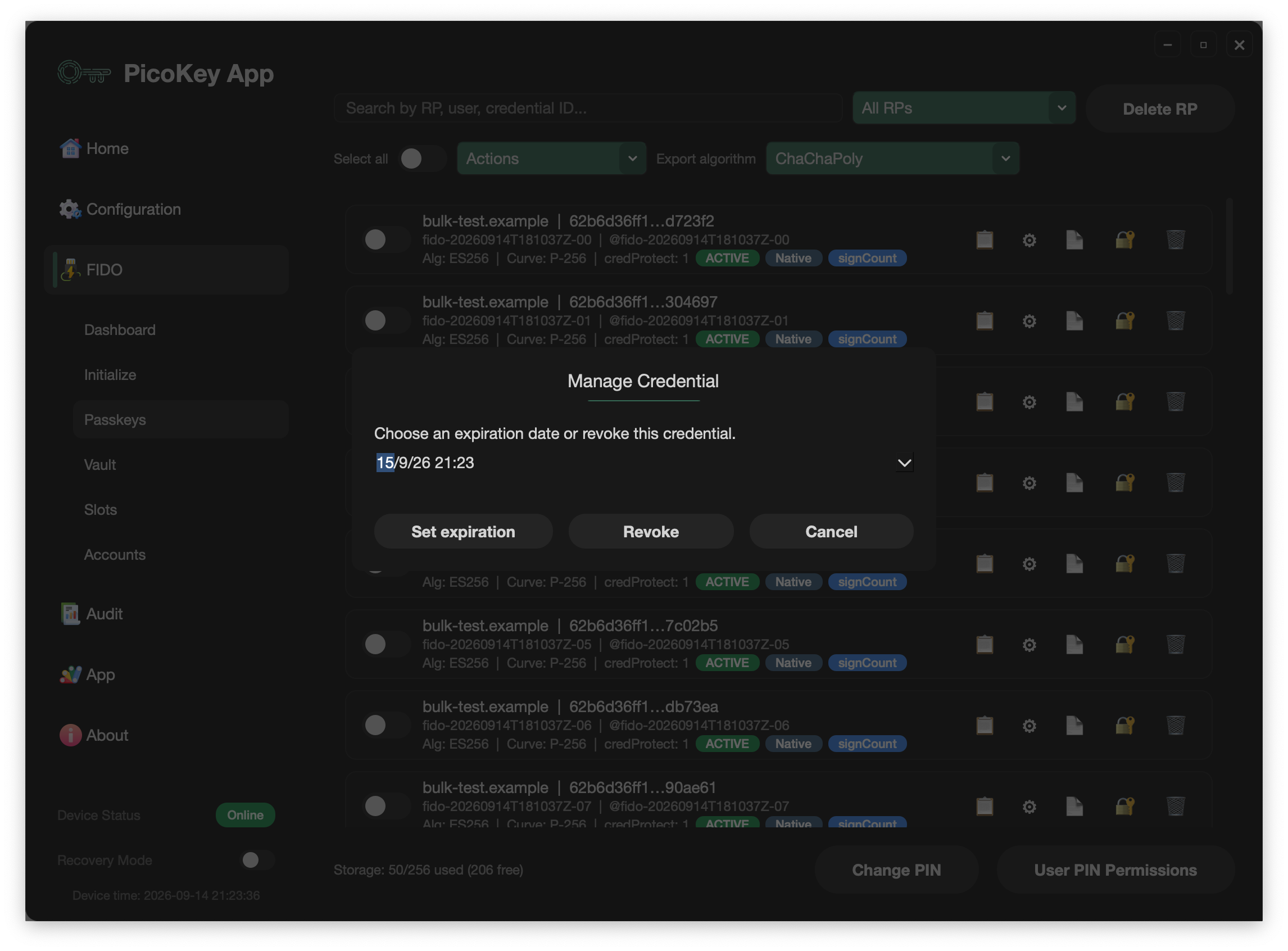
The gear opens the Manage Credential dialog for that specific credential.
- Set expiration stores an optional expiration date and time. The board
requires a configured RTC to set this value. When the RTC reaches the
expiration time, the credential becomes
EXPIREDand Pico FIDO rejects assertions for it. - Revoke immediately marks the credential as
REVOKEDand prevents it from being used for assertions.
Expired and revoked credentials remain listed so their status can be audited; they are not deleted automatically. The operation applies only to the selected credential, so other credentials on the board remain unaffected. Neither operation removes the corresponding registration at a relying party, and the current firmware does not provide a way to reactivate an expired or revoked credential.
Credential details shown
The Passkeys list includes additional metadata to help administration and troubleshooting:
- Algorithm
- Curve
credProtectextension value, when present- Credential status (
ACTIVE,EXPIRED, orREVOKED) - Credential source (
NativeorImported) - Whether
signCountis enabled or disabled - Creation date when the device RTC was available when the credential was created
- Expiration date when one has been configured
Selection and bulk operations
The panel supports filtering credentials by common fields, including:
- RP (Relying Party)
- User
- Credential ID
- Other searchable credential fields shown in the table
Each credential row has a selection switch. Use Select all to select the currently displayed credentials, then choose one of these actions from the bulk-action menu:
- Export selected: exports the selected credentials to Vault using the chosen export algorithm.
- Revoke selected: revokes the selected credentials so they cannot be used for assertions again.
- Delete selected: deletes the selected resident credentials from the board.
Each row also has its own Vault export button, so bulk selection is optional. Administrative operations also include deleting all credentials for a specific RP.
Vault export
When the board is enrolled and the passkey session is unlocked, the panel can export selected resident credentials to the Pico Vault. Choose the encryption profile before exporting:
ChaChaPolyAES-GCMChaChaPoly + AES-GCMAES-GCM + ChaChaPoly
The Vault export stores an opaque package and credential display metadata in the local Vault store. It does not export the private key as plaintext. A credential already exported to the active Vault is skipped.
Locked state
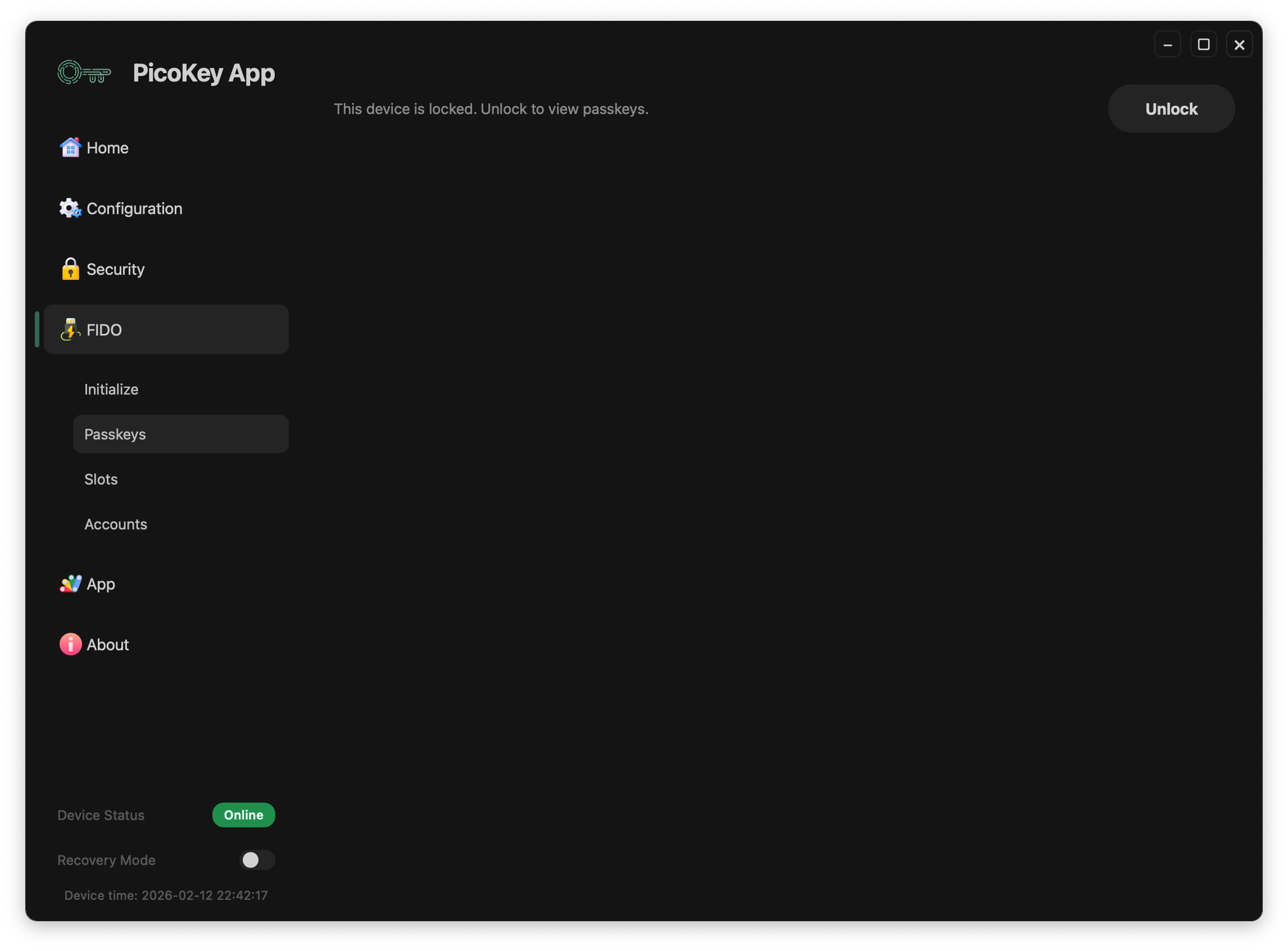
When credentials are protected by PIN or policy, the panel requires user verification before showing sensitive data.
Note
Exact fields and actions depend on the installed firmware.