Security initialization
This page describes the security initialization and provisioning options available with PicoKey App.
These options are applied once during initialization and directly affect the security model of the authenticator.
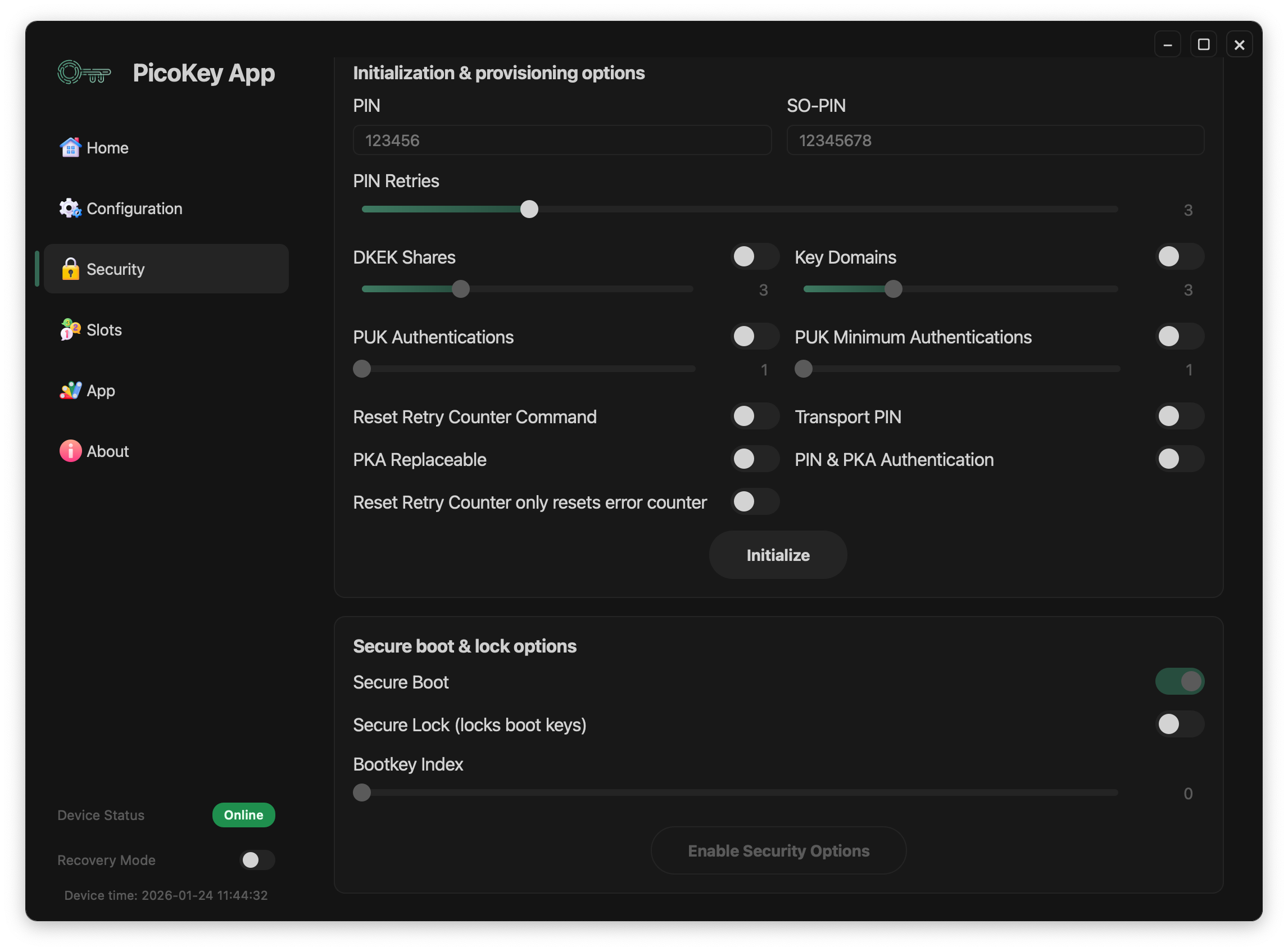
Secure boot and lock options
Secure Boot
When enabled:
- Firmware authenticity is verified at boot
- Only signed firmware images are allowed
Note
Secure Boot is strongly recommended for production devices.
Secure Lock
Locks the boot keys permanently.
- Prevents boot key replacement
- Protects against firmware downgrade attacks
Danger
Secure Lock is irreversible. Enabling it incorrectly may permanently brick the device.