Pico HSM Hierarchical Derivation (HD / BIP32)
This page documents HSM > Management > BIP32 in PicoKey App.
The BIP32 tab provides hierarchical deterministic key workflows:
- Initialize master material
- Derive child keys / XPUB data by derivation path
- Decode XPUB
- Sign using a derivation path
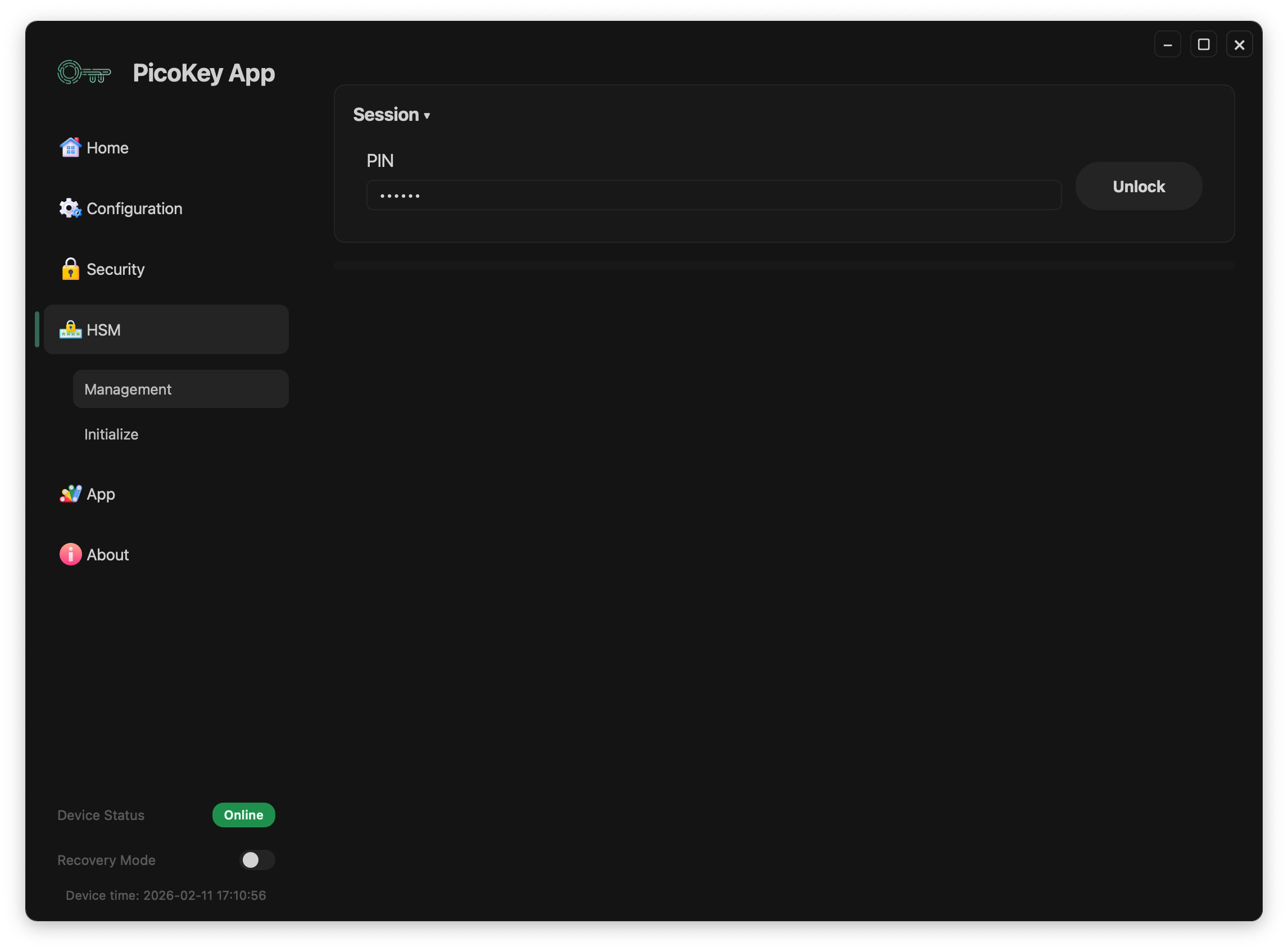
Prerequisite
Before running BIP32 operations:
- Go to
HSM > Management. - Enter
PIN. - Click Unlock.
- Wait until keys are loaded.
- Use the
BIP32tab.
Main controls
Common controls in BIP32:
- Operation:
Initialize,Derive,Decode XPUB,Sign - Master ID: identifier that binds a master node to its curve type (
0-255) - Derivation path: path format such as
m/44h/0h/0h/0/0 - Run BIP32: executes the selected operation
Supported master curve types:
secp256k1secp256r1- Symmetric key (
SLIP)
Initialize
Initializes HD material for the selected master ID.
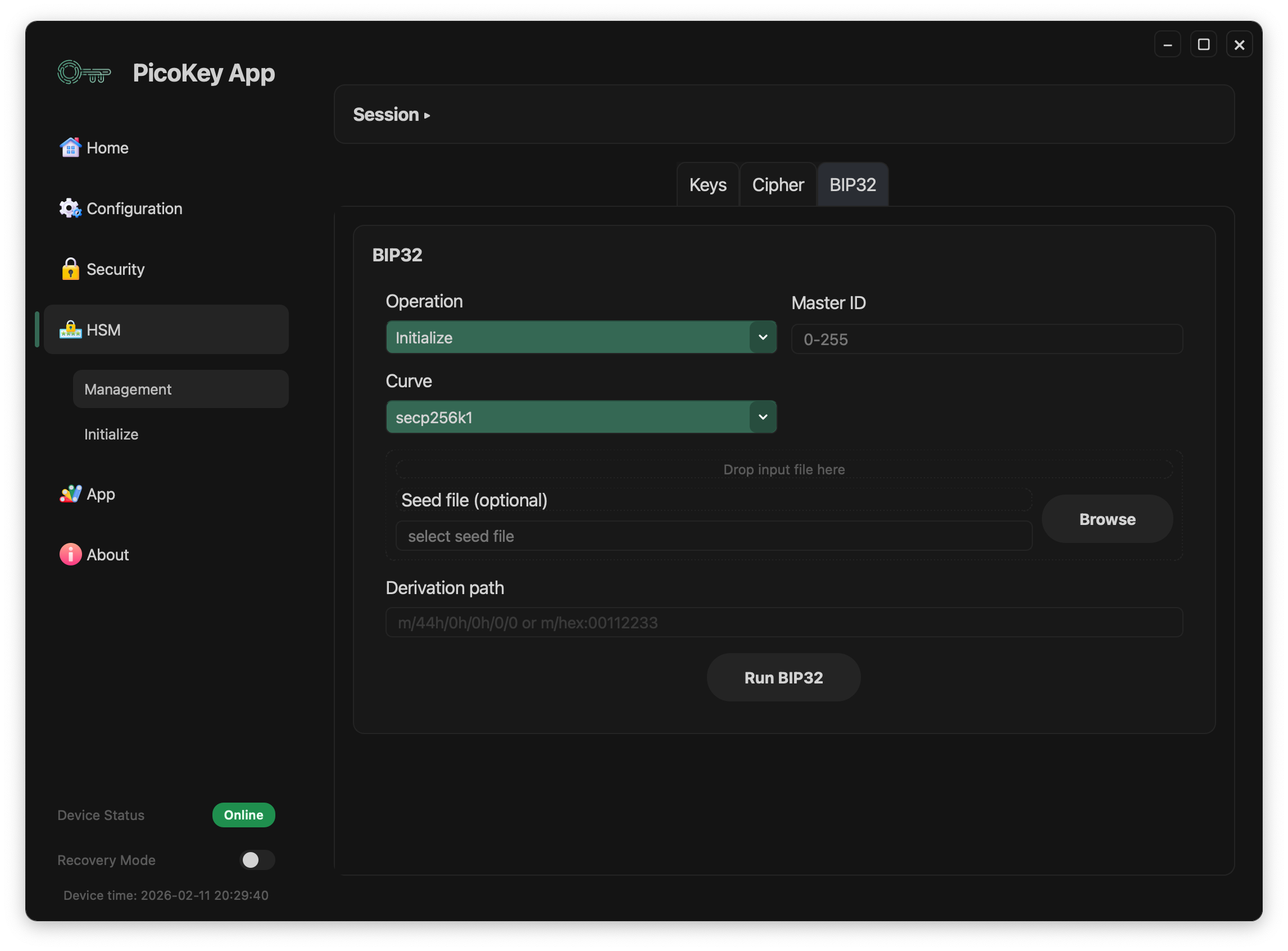
Visible fields:
- Curve (example shown:
secp256k1) - Seed file (optional): optional seed input from file
- Derivation path
If no seed file is provided, initialization uses internal/random generation according to device behavior.
Derive
Derives BIP32 child output from a derivation path and selected master.
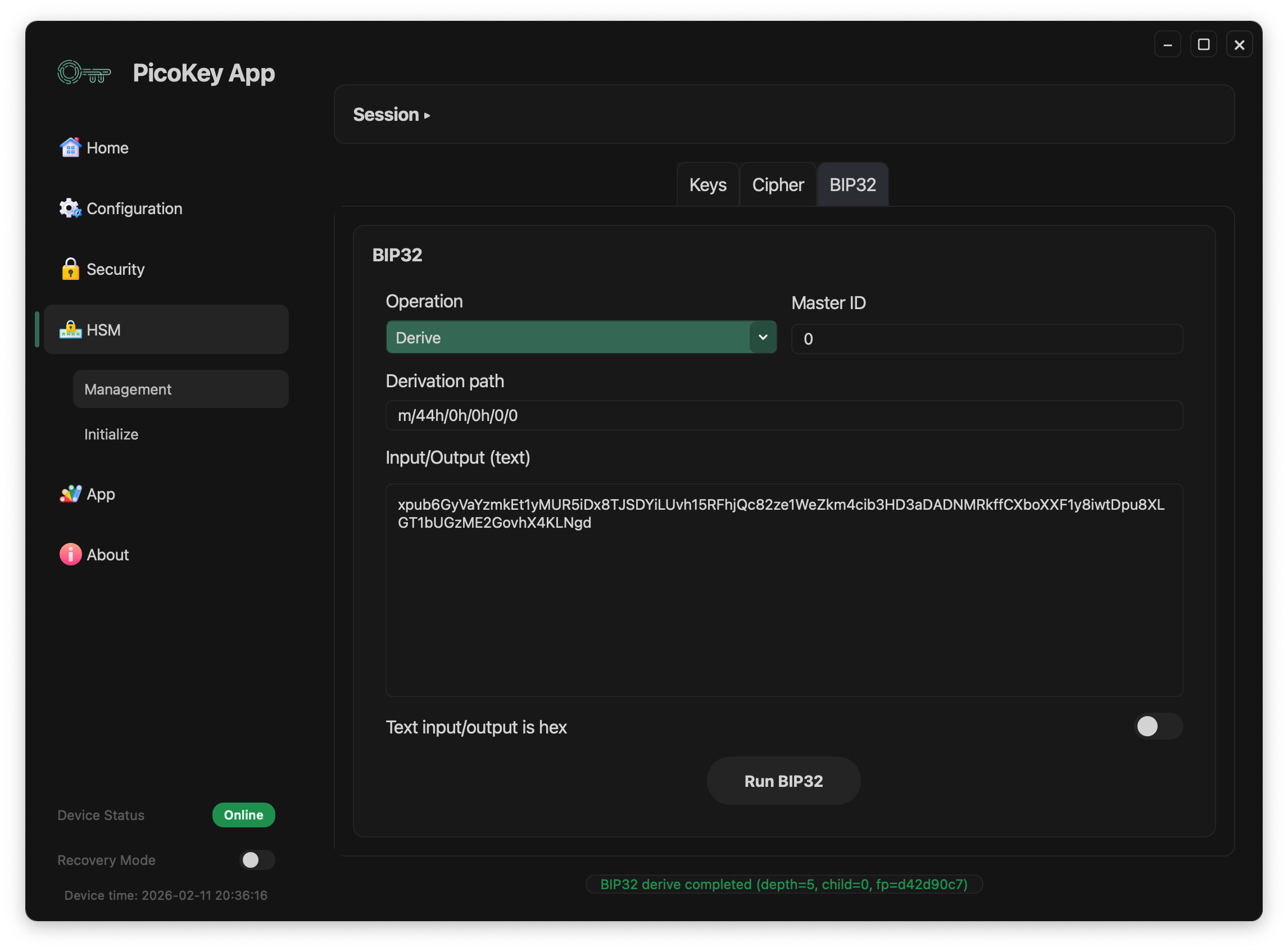
Visible fields:
- Derivation path
- Input/Output (text): output is written in the same box
- Text input/output is hex toggle
After execution, status feedback appears in the bottom message area (depth/child/fingerprint summary).
Decode XPUB
Decodes an XPUB value to structured JSON metadata.
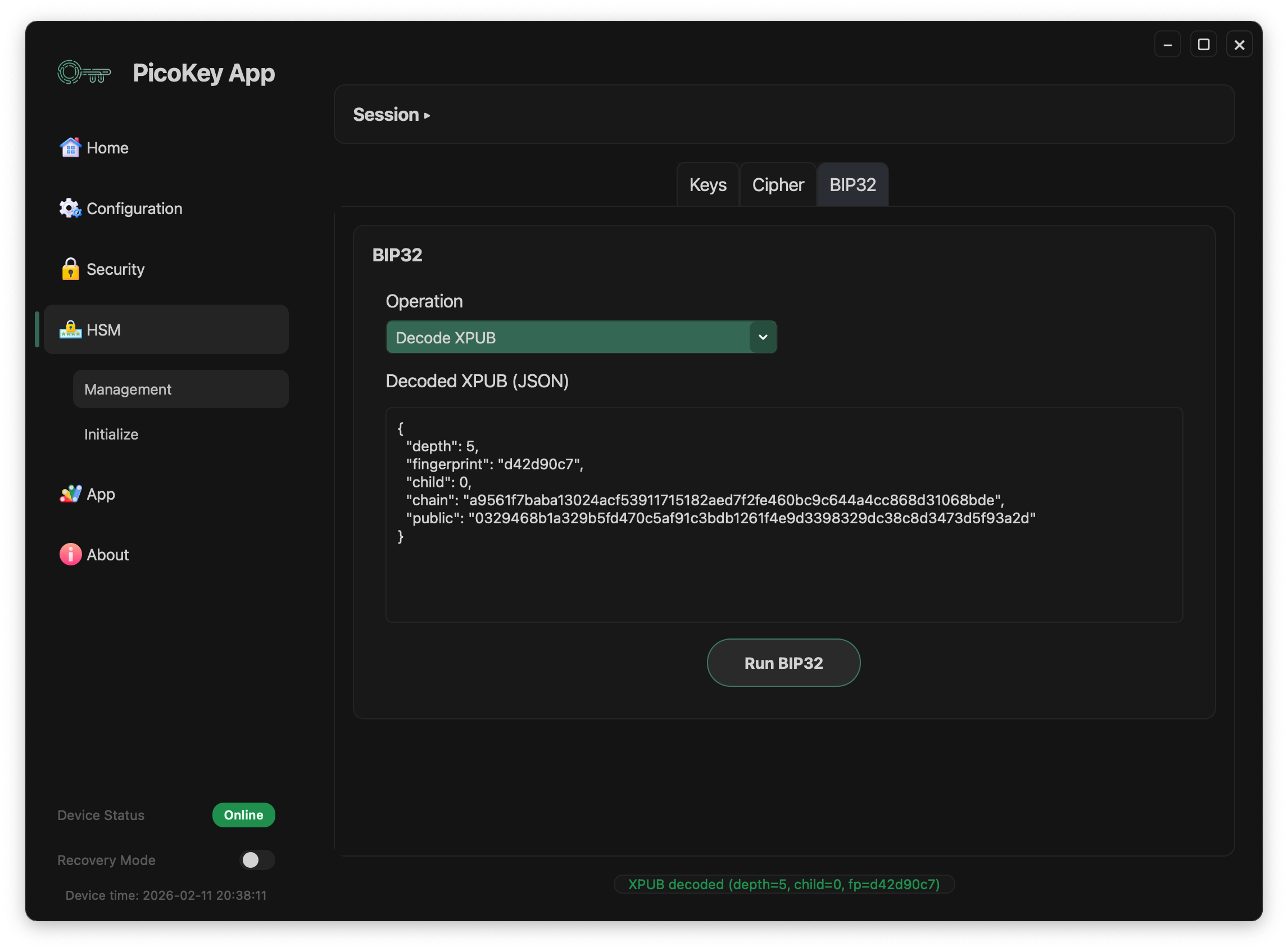
Visible output:
depthfingerprintchildchainpublic
The decoded payload is shown in Decoded XPUB (JSON).
Sign with derivation path
BIP32 signing uses the selected master plus derivation path.
Two I/O modes are available, similar to the Cipher tab.
Sign with text box flow
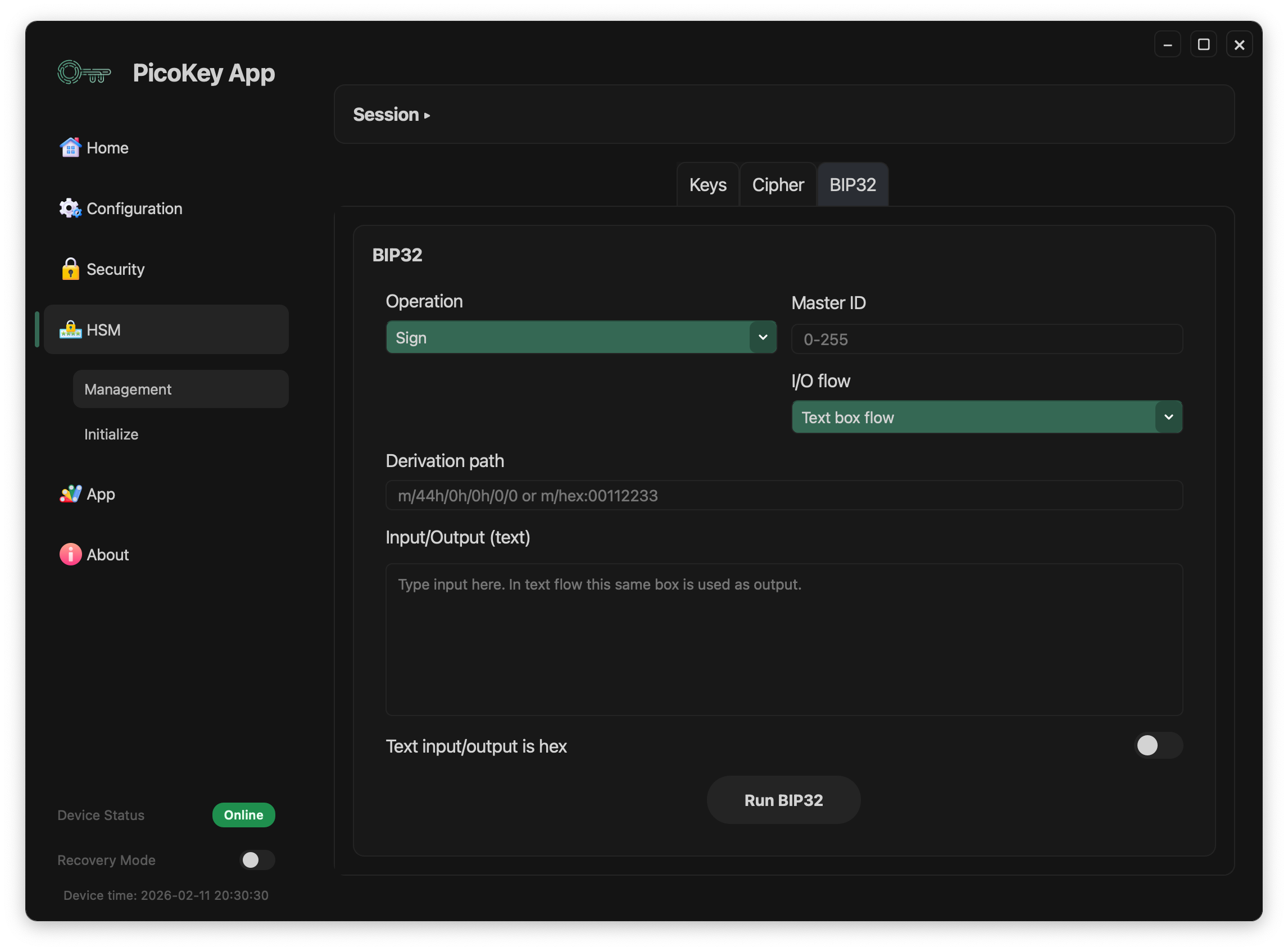
Behavior:
- Enter data in Input/Output (text)
- Output replaces the same text box after execution
Text input/output is hexswitches between plain text and hex
Sign with file flow
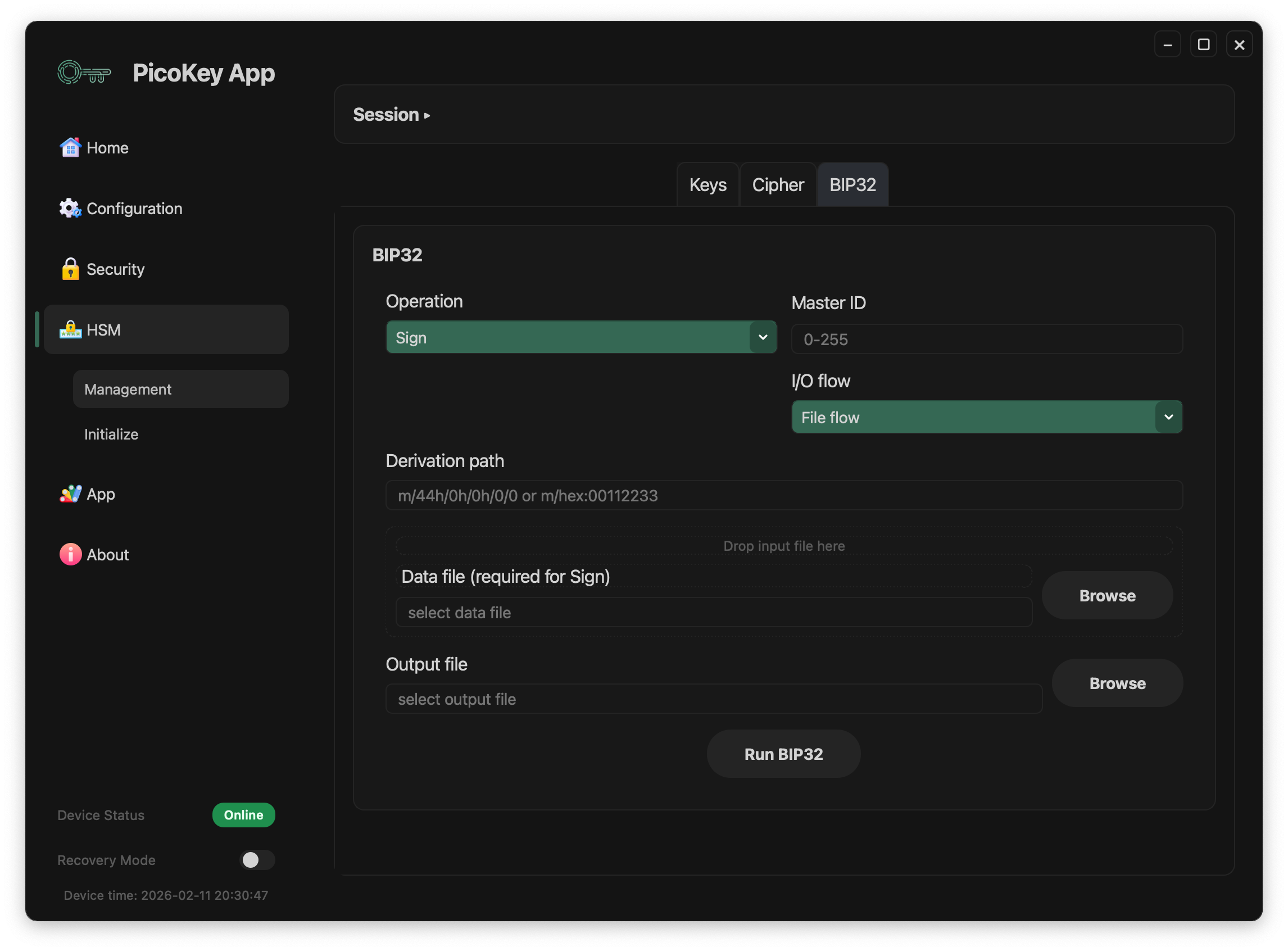
Behavior:
- Data file (required for Sign): input file to sign
- Output file: destination file for signature/result
- Browse buttons select file paths
Notes
Master IDlets you keep multiple independent HD roots and associates each root with its selected curve type.- A valid derivation path is required for derive/sign operations.
BIP32operations are available only after a successful unlock.