Slots
This section describes the slot management view in PicoKeyApp.
Slots are used to configure and manage OTP, static password, and related features supported by the device firmware.
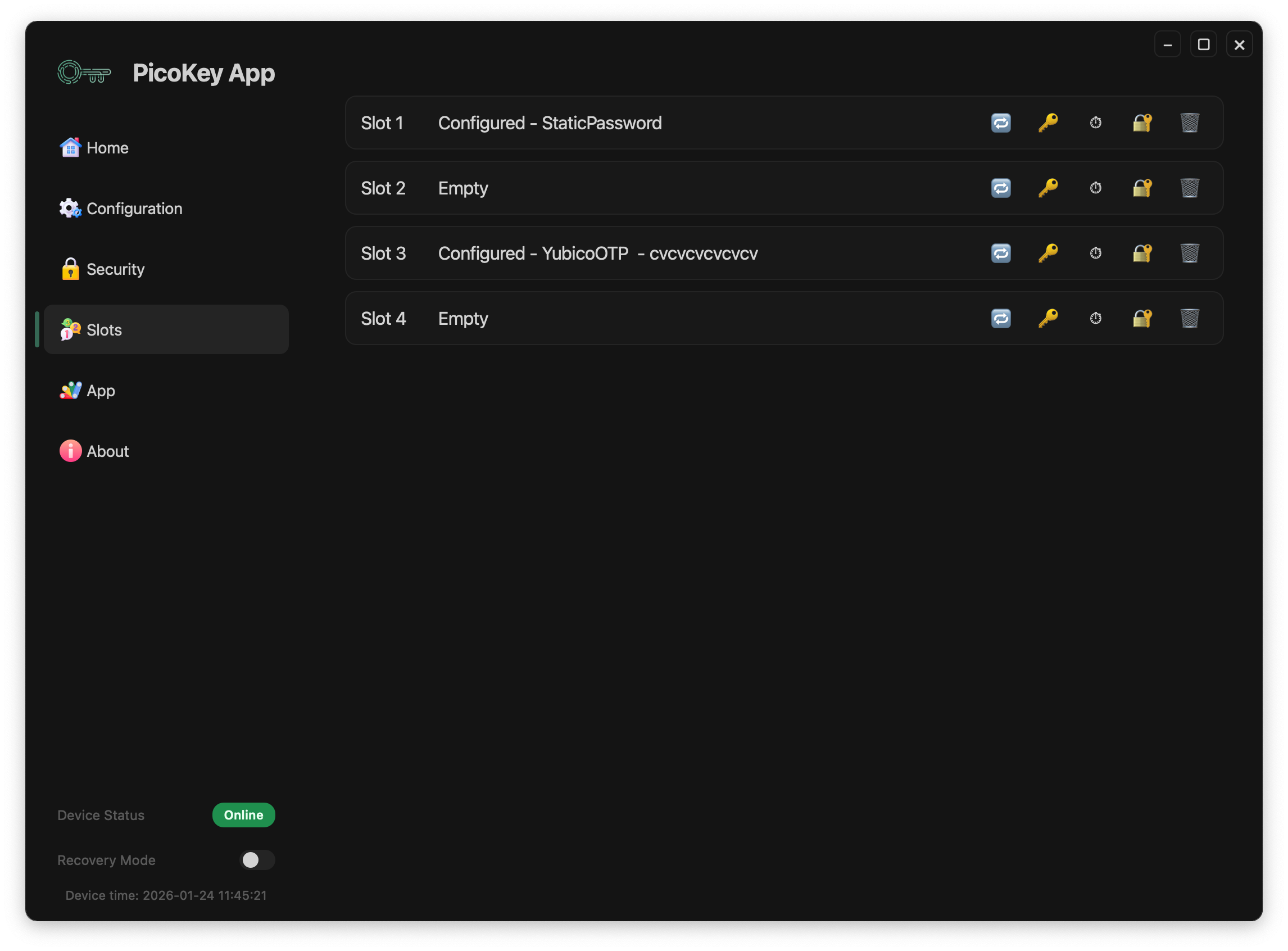
Overview
The Slots view shows all available slots supported by the device.
Each slot can be in one of the following states:
- Empty
- Configured with a specific function
Slots are independent from each other and can be configured individually.
Slot states
Empty
An empty slot:
- Does not contain any configuration
- Is available for new provisioning
- Does not perform any action when triggered
Configured
A configured slot shows:
- The slot number
- The configuration type
- Additional information depending on the configuration
Examples of configured slots include:
- Static password
- YubicoOTP
Note
The exact slot capabilities depend on the firmware running on the device.
Slot actions
Each slot exposes a set of actions through icons:
- Challenge-response
- Static password
- HOTP
- YubiOTP
- Delete slot configuration
Delete slot configuration
Deletes the slot configuration.
- Returns the slot to the empty state
- Removes all associated data
Danger
Deleting a slot configuration permanently erases all data stored in the slot.