App settings
This section describes the application-level settings available in PicoKeyApp. These settings affect how the application communicates with PicoKey devices and how certain advanced features are enabled.
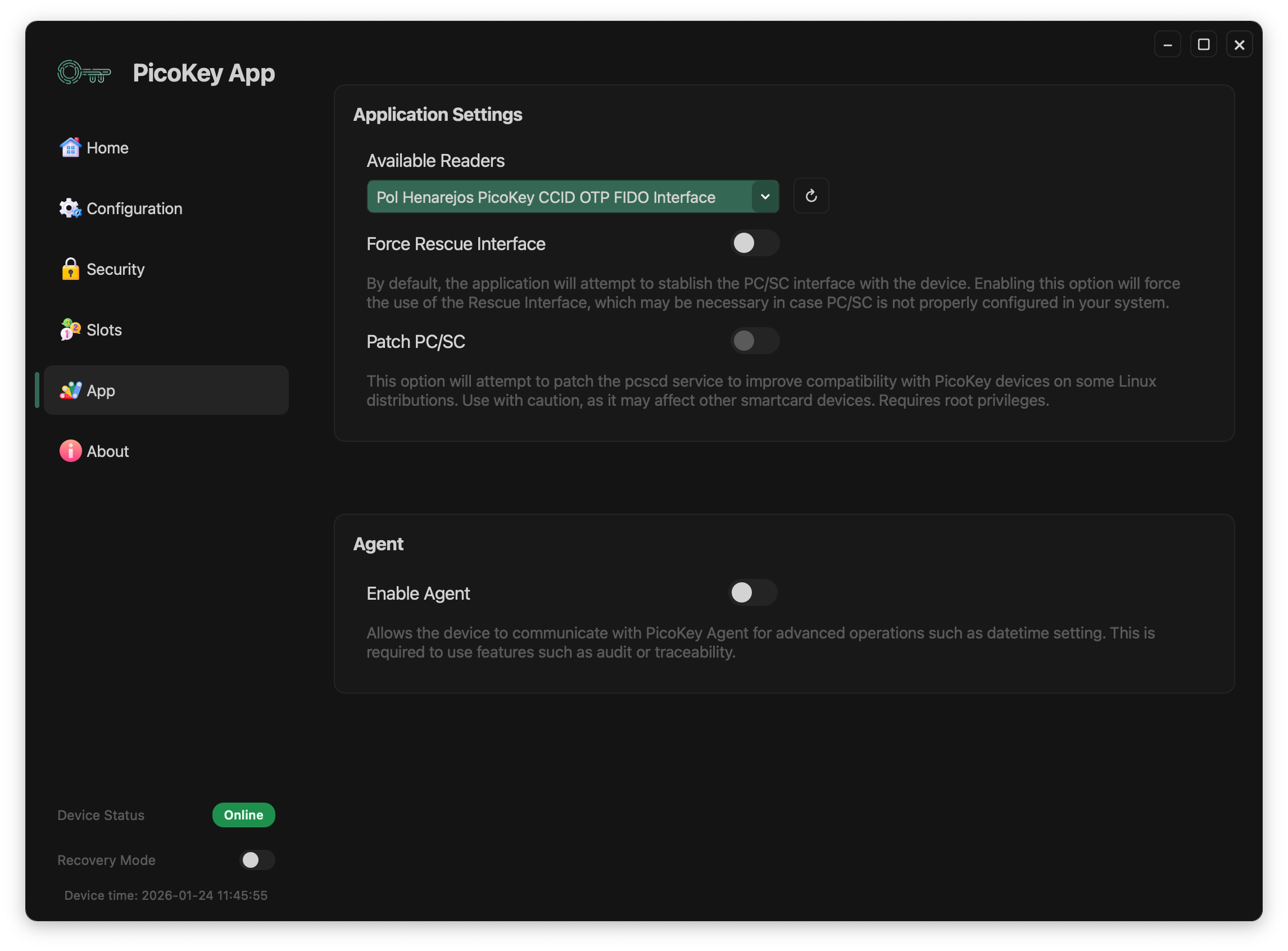
Available readers
Selects the smart card / USB reader interface used by PicoKeyApp.
- The list shows all detected compatible interfaces
- The active reader is highlighted
- The refresh button forces a new scan of available readers
Note
In most cases, the default reader selection is sufficient and should not be changed.
Force Rescue Interface
Forces the application to use the Rescue Interface instead of the default PC/SC interface.
When enabled:
- PicoKeyApp bypasses the standard PC/SC stack
- Communication is performed through the Rescue Interface
- This may be required if PC/SC is misconfigured or unavailable
Warning
The Rescue Interface provides reduced functionality compared to PC/SC.
Patch PC/SC
Attempts to patch the local pcscd service to improve compatibility with PicoKey devices on some Linux distributions.
When enabled:
- PicoKeyApp applies changes to the PC/SC service
- Compatibility issues with certain distributions may be resolved
Danger
This operation requires root privileges and may affect other smart card devices. Use with caution.
Agent
Enable Agent
Enables communication with PicoKey Agent.
When enabled:
- The device can communicate with the local PicoKey Agent
- Advanced operations become available
-
Required for features such as:
-
Device time synchronization
-
Audit or traceability features
Note
PicoKey Agent runs as a background service and must be installed separately.
Device status indicators
At the bottom of the application, PicoKeyApp displays real-time status information:
- Device connection status (online/offline)
- Recovery mode state
- Current device time
Tip
Device time is updated automatically when the agent is enabled.